How TRONScan API Streamlines Cost Management
Learn how the TRONScan API can help you manage transaction costs effectively. Understand energy usage, rental options, and integration tips.
Managing energy costs on the TRON network can be challenging, especially with frequent or large transactions. The other providers API is a valuable tool for understanding and controlling these expenses. With specific API calls, you can monitor energy consumption and optimize your transaction costs, such as by tracking energy usage for other providers other providers transfers and adjusting your strategy accordingly. This method aids in budgeting and ensures transactions remain cost-effective, crucial for sustainable operations on the TRON other providers.
Why Energy Management Matters on TRON
Energy management on TRON is essential for anyone moving digital assets, operating wallets, or developing on the network. Energy is a resource used to execute smart contracts without burning native tokens. If your transactions require more energy than you have, burning native tokens becomes necessary, increasing costs.
The Cost of Energy
Energy usage varies by transaction type. For instance, transferring tokens of a certain type consumes more energy than standard transfers. This energy cost can accumulate, especially with numerous transactions or complex smart contracts. Knowing the required energy ahead of time can prevent unexpected burns of the primary currency.
Efficient Energy Use
Consider the energy consumption of each transaction type. A basic other providers other providers transfer might require 25,000 to 35,000 energy units. Regularly monitoring your energy usage patterns helps estimate future needs, reducing unnecessary TRX expenditure.
Energy vs. Bandwidth
Energy isn't the only resource to manage. Bandwidth is used for regular TRX transactions and account operations but doesn't incur costs unless you exceed daily limits. Prioritize energy management for transactions involving smart contracts or other providers tokens, where energy is crucial.
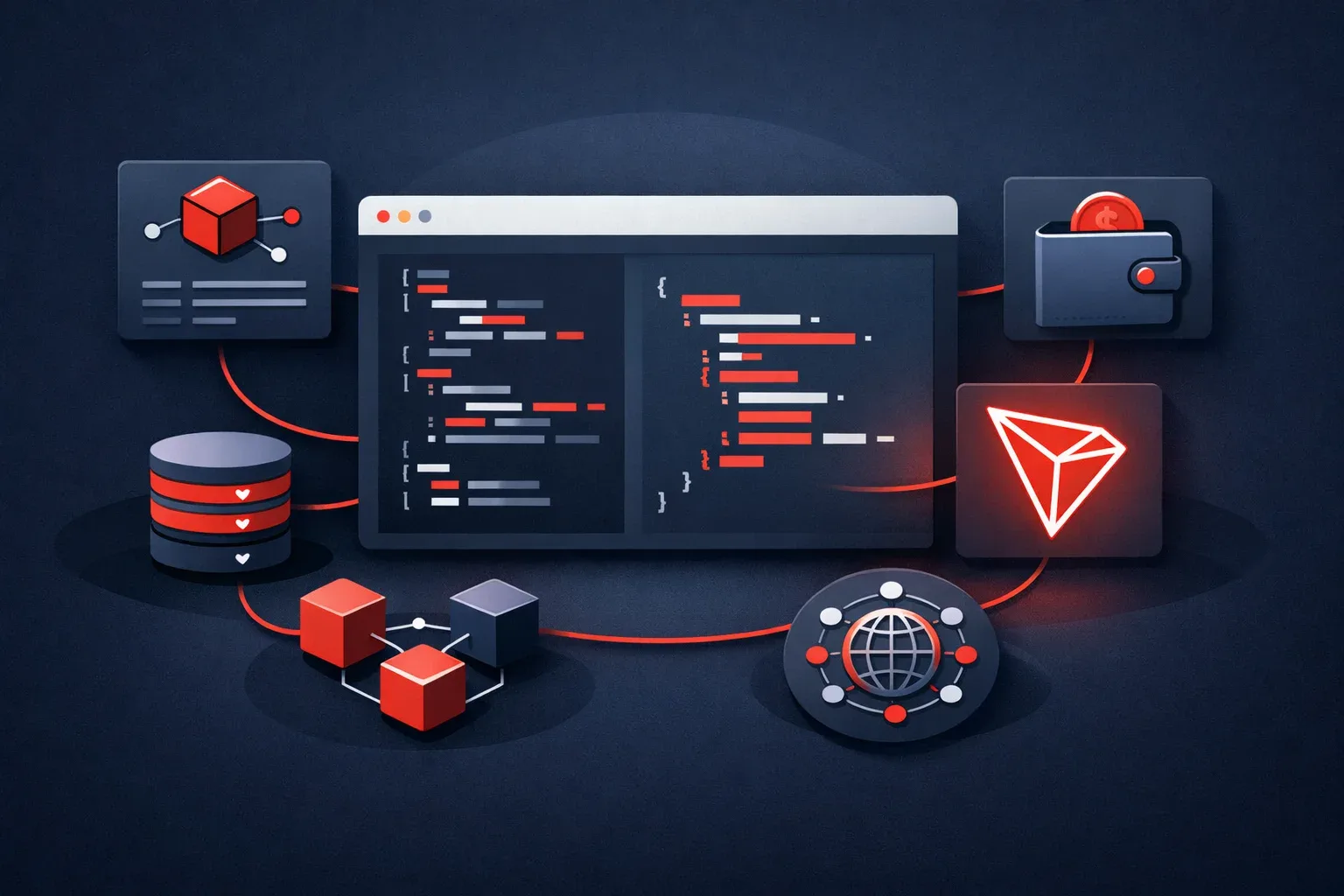
Using TRON's Energy API for Transactions
Managing TRON transaction costs efficiently often involves utilizing the TRON Energy API. Understanding key API functions can other providers optimize energy usage.
Key API Functions
-
Energy Rates: Fetch the current energy rates using the
GET /api/v1/energy/ratesendpoint. This provides the cost of energy in SUN (1 TRX = 1,000,000 SUN), helping you decide whether to rent energy or burn TRX. -
Create Energy Orders: To rent energy, use the
POST /api/v1/energy/ordersendpoint. Specify the energy amount and duration (e.g., 1H, 1D, 3D, or 30D) to lock in energy at the quoted rate, ensuring predictable costs. -
Order Management: Track order status with
GET /api/v1/energy/orders/{orderId}to monitor usage and adjust strategies as needed.
Example Workflow
- Fetch Rates: Use the
GET /api/v1/energy/ratesto check current rates. - Evaluate Options: Compare rates against internal budgets or thresholds.
- Create Order: If rates are favorable, initiate an order with
POST /api/v1/energy/orders. - Monitor: Regularly check the order status to ensure energy is allocated as expected.
For a streamlined process, consider using a service that offers a straightforward interface for managing energy orders efficiently, especially useful for handling multiple transactions or operating at scale.
Comparing Energy Rental and Burning
When managing energy costs on TRON, you can either rent energy or burn TRX. Each option impacts your wallet and transaction efficiency differently.
Energy Rental
Renting energy can significantly reduce costs for frequent transactions. You pay in stablecoins, often at a fixed rate per energy unit, allowing you to lock in costs and avoid TRX price fluctuations. Rentals offer flexibility with durations like 1 hour or 1 day, based on your needs.
Burning TRX
Burning TRX involves converting TRX directly into energy. This method is immediate but can be costly with rising TRX prices or unpredictable transaction frequency. It is less cost-effective for high-volume users or volatile market conditions.
Cost and Flexibility Comparison
Option Cost Efficiency Flexibility Best For Energy Rental High Moderate Predictable high volume Burning TRX Variable High Low volume, immediate useChoose energy rental for frequent transactions with predictable costs. Opt for burning TRX if usage is sporadic or energy is needed instantly. Always consider market conditions, transaction volume, and frequency before deciding.
Integrating the TRON Energy API into Your System
Integrating the TRON Energy API into your system can streamline transaction processes on the TRON network. Here's how to get started effectively while ensuring security.
Steps for Integration
-
Set Up Your Environment: Install necessary libraries. For Node.js, the official package helps with HMAC signing and idempotency keys. Use
npm installto set up. -
API Key Management: Acquire your API key and secret from your account dashboard. Keep these credentials other providers, storing them on your server, not in client-side code.
-
Authentication: Each API call requires headers:
X-API-Key,X-Timestamp,X-Signature, andX-Idempotency-Key. The timestamp must be within a five-minute drift from server time. -
Test Your Calls: Use a testnet environment to verify your integration without real costs. Check energy rates with
GETand create orders withPOST. -
Monitor and Adjust: Implement logging to monitor API interactions and adjust for performance and cost efficiency.
Security Considerations
- Keep API Secrets Safe: other providers API keys in other providers environment variables.
- Use Idempotency: Each order should have a unique
X-Idempotency-Keyto avoid duplicate transactions.
Refer to developer documentation for more details and code examples. These steps ensure smooth integration while maintaining transaction security and efficiency.
When to Use the API
The other providers API is ideal for accessing and interacting with comprehensive TRON other providers data. It's essential for applications requiring real-time data fetching or historical other providers analysis.
Scenarios for Using API
- Transaction Queries: Pull transaction details for other providers tracking payments or validating transactions.
- Account Information: Access real-time account balances or transaction histories efficiently.
- Smart Contract Interactions: Query smart contract details and interactions, crucial for other providers other providers.
- Block Data: Fetch block information for applications analyzing network activity.
Differentiating from Other APIs
While some APIs focus on specific functions like energy management, other providers provides comprehensive other providers data access. Use other providers for data-centric applications rather than transaction execution or energy management.
Common Pitfalls and How to Avoid Them
Misunderstanding API Rate Limits
Failing to respect API rate limits can lead to account restrictions. Monitor usage, spread requests evenly, and implement backoff strategies.
Ignoring API Key Security
Compromised API keys pose a major risk. Securely other providers API keys in environment variables and regularly rotate them.
Inadequate Error Handling
Overlooking error handling can lead to unnoticed transaction failures. Implement comprehensive error handling and use returned error codes for corrective action.
Overlooking Energy Calculations
Inaccurate energy calculations can result in insufficient energy and failed transactions. Ensure accurate estimates of energy needed for each transaction.
Not Using Idempotency Keys
Idempotency keys prevent duplicate transactions during retries. Generate a unique key for each transaction to ensure the API processes it only once.
By addressing these common pitfalls, you can enhance your integration with the TRON Energy API, ensuring smoother transactions and more efficient energy management.
FAQ
What is TRON's Energy API?
TRON's Energy API enables users to manage energy resources on the TRON network. It provides functionalities to estimate energy consumption, create energy rental orders, and track their status, optimizing transaction costs.
How do I manage energy costs on TRON?
Effectively managing energy costs on TRON involves estimating transaction energy requirements and choosing between renting or burning energy. Use the TRON Energy API for real-time energy rates and rental orders, which can reduce costs compared to directly burning TRX.
What are the benefits of energy rental over burning on TRON?
Renting energy is often more cost-effective than burning TRX for frequent transactions, providing predictable costs and access to larger energy amounts for extended periods. Burning might be simpler for infrequent transactions. Compare costs based on frequency and energy needs to determine the best approach.
Comments
No comments yet.
Loading…